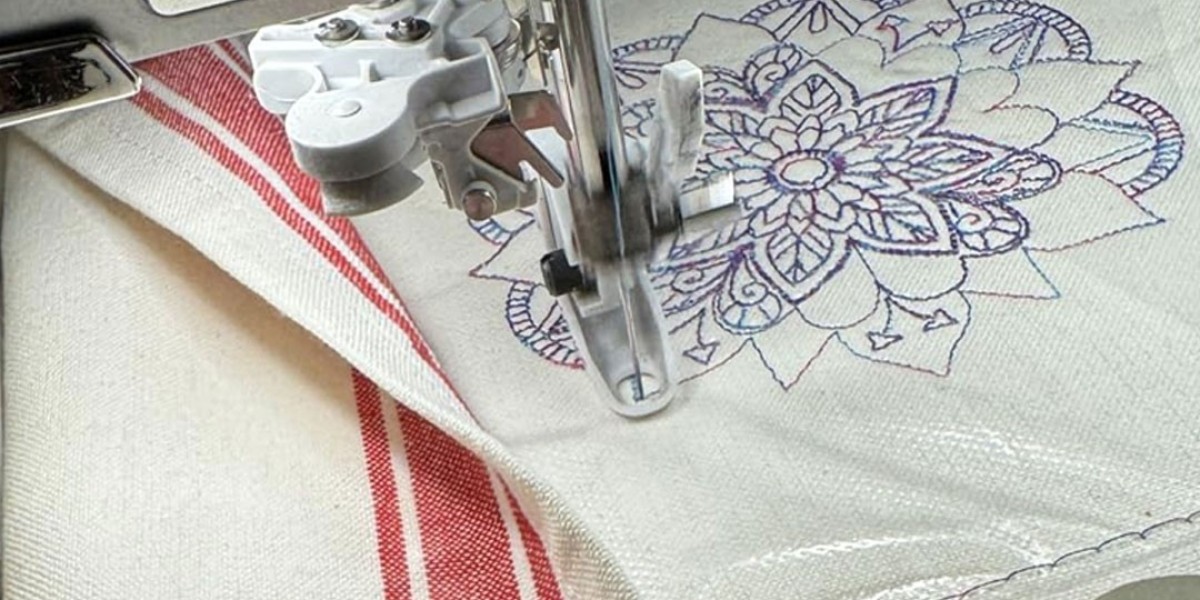
Embroidery has become more advanced and efficient with the help of modern machines and digital technology. One of the most important aspects of machine embroidery is understanding file formats. Among the most commonly used formats are the dst file for embroidery and pes file for embroidery
If you are new to embroidery digitizing or even an experienced professional, knowing how these file formats work can make a huge difference in the quality of your designs. In this guide, we will break down everything in a simple and human-friendly way so you can easily understand and use both formats effectively.
What is a DST File for Embroidery?
A dst file for embroidery is one of the oldest and most widely used file formats in the embroidery industry. It was developed for industrial embroidery machines and is still considered a standard format today.
This file format contains stitching instructions that guide the embroidery machine. It tells the machine:
- Where to stitch
- When to jump or trim
- The sequence of stitching
However, DST files do not store color information in a visual way. That means the machine operator must manually assign thread colors before starting the embroidery process.
Why DST Files Are Important
DST files are commonly used in commercial embroidery because they are reliable and efficient. Here are some key benefits:
- High Compatibility: Works with most industrial embroidery machines
- Accurate Stitching: Provides precise instructions for consistent results
- Lightweight Files: Easy to transfer and store
- Perfect for Bulk Orders: Ideal for large-scale production
Because of these features, many embroidery businesses rely heavily on DST files for professional work.
What is a PES File for Embroidery?
A pes file for embroidery is another popular format, mainly used in home embroidery machines. It was developed by Brother and is widely supported by brands like Babylock and Bernina.
Unlike DST files, PES files include additional information such as:
- Thread colors
- Design preview
- Multiple hoop sizes
This makes PES files more user-friendly, especially for beginners who want to see how their design will look before stitching.
Benefits of PES Files
PES files are ideal for creative and small-scale embroidery projects. Some of their advantages include:
- Color Visualization: You can preview the design with actual colors
- Easy Editing: Designs can be resized or modified easily
- Beginner-Friendly: Simple to use and understand
- Better for Custom Projects: Great for personalized embroidery
Key Differences Between DST and PES Files
Understanding the difference between dst file for embroidery and pes file for embroidery is essential for choosing the right format.
| Feature | DST File | PES File |
|---|---|---|
| Usage | Industrial machines | Home embroidery machines |
| Color Info | Not included | Included |
| Preview | Limited | Available |
| Editing | Minimal | More flexible |
| Best For | Bulk production | Custom and small projects |
In simple terms, DST files are more technical and machine-focused, while PES files are more visual and user-friendly.
How to Choose the Right File Format
Choosing between a dst file for embroidery and a pes file for embroidery depends on your needs.
- If you are running a commercial embroidery business, DST is usually the best option.
- If you are working on home projects or custom designs, PES is more suitable.
It's always important to check your embroidery machine compatibility before selecting a file format.
Converting DST and PES Files
Sometimes, you may need to convert one file format into another. This is common when working with different machines or clients.
For example:
- Converting PES to DST may remove color information
- Converting DST to PES may require manual color adjustments
Using professional embroidery software can help ensure accurate conversions without losing design quality.
Common Mistakes to Avoid
When working with dst file for embroidery and pes file for embroidery , here are some mistakes you should avoid:
- Not checking machine compatibility
- Ignoring thread color selection in DST files
- Using low-quality digitized designs
- Skipping test stitching before final production
Avoiding these mistakes can save time, money, and effort.
Tips for Better Embroidery Results
To get the best results from your embroidery files, follow these tips:
- Always test your design on sample fabric
- Use high-quality threads and stabilizers
- Keep your machine clean and well-maintained
- Choose the right file format for your project
- Work with professional digitizing services when needed
Why Understanding File Formats Matters
Embroidery is not just about creativity—it also requires technical knowledge. Understanding file formats like dst file for embroidery and pes file for embroidery helps you:
- Improve design quality
- Reduce errors during stitching
- Save production time
- Deliver better results to clients
Whether you are a beginner or an expert, mastering these basics will take your embroidery work to the next level.
Conclusion
Both dst file for embroidery and pes file for embroidery play an important role in modern embroidery. Each format has its own strengths and is designed for specific types of machines and users.
DST files are perfect for industrial use and bulk production, while PES files are ideal for home users and creative projects. By understanding their differences and using them correctly, you can achieve smooth, professional, and high-quality embroidery results every time.
In the end, the key to successful embroidery lies in combining the right tools, proper knowledge, and a little creativity.